
How to Take Great Photos for Your Nuzul Listing
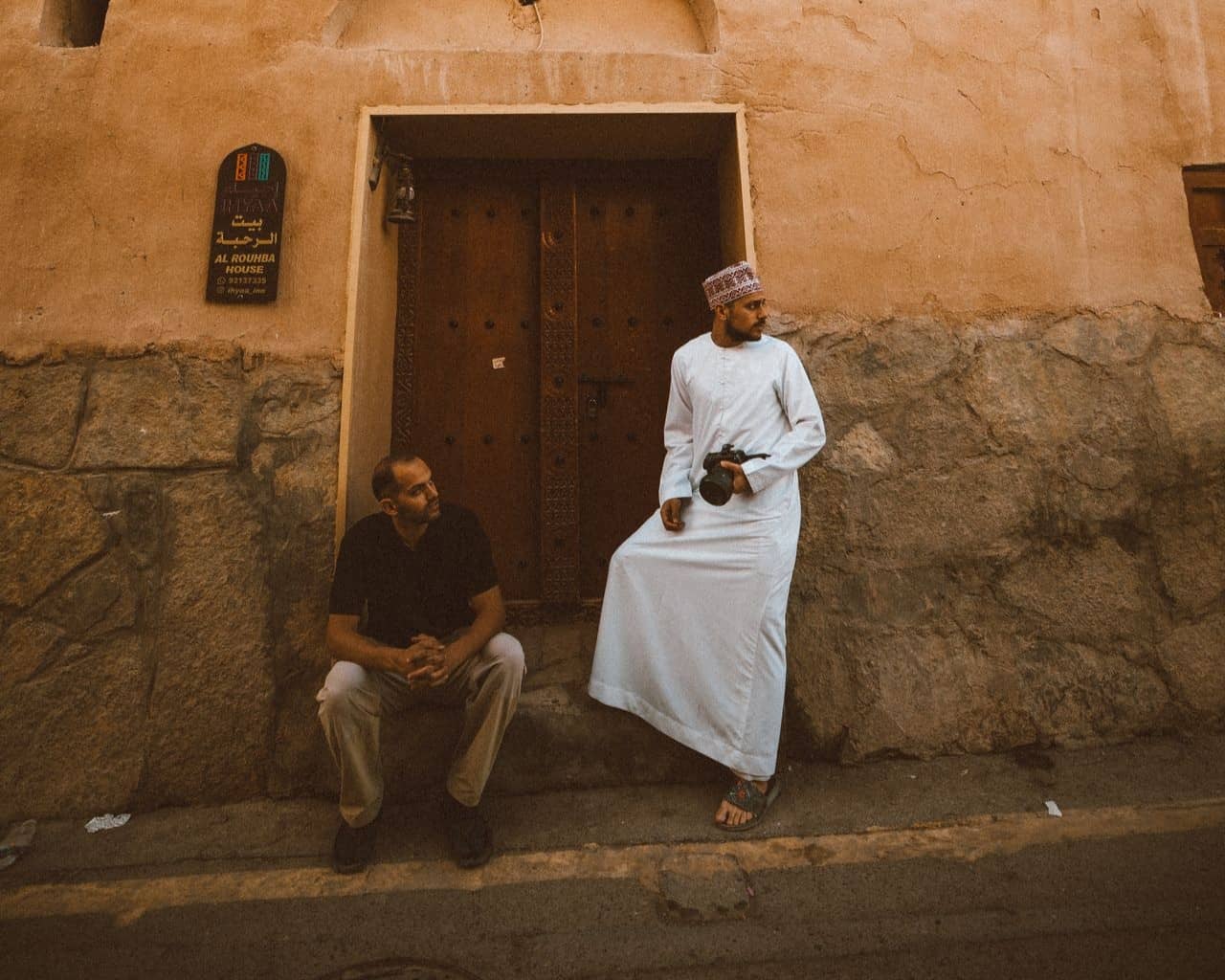
Great photos attract attention, set clear expectations, and give guests the confidence to book. Here is how to take high-quality photos of your property using just your smartphone:
1. Prepare Your Space
- Clean and declutter: Show guests exactly what to expect. Remove personal items and random clutter before shooting.
- Find the best light: Open all curtains and blinds. Natural light makes your space look warm and welcoming. For outdoor photos, shoot during the "golden hour" (just after sunrise or before sunset).
- Make a shot list: Plan to photograph every room and outdoor area from a few different angles.
2. Take High-Quality Photos
- Shoot horizontally (landscape): Horizontal photos look much better on Nuzul search results and property pages.
- Turn off the flash: Rely on natural sunlight. If a room is still too dark, turn on the interior lights.
- Shoot straight ahead: Hold your phone at chest or eye level. Don't tilt the lens up or down, as it distorts the room's true size.
- Center your subject: Turn on your phone's camera grid to help keep lines straight and balanced.
- Get a mix of shots: Take wide shots to show the whole room, mid-range shots for furniture, and close-ups for unique details (like an espresso machine or pool features).
3. Upload and Add Details
- Use high resolution: Upload large, clear images.
- Organize a photo tour: Group your photos by room so guests can easily understand the layout.
- Add captions: Explain things the photo can't fully show. For example, “The dining table extends to seat 10 people,” or “The main bedroom features an en-suite bathroom.”